 Strategic Student
 Strategic Airlock
De-identify and re-identify files and text on your own computer. Strategic Airlock swaps names and other PII for codes before you use them with AI, then puts them back afterward.
Strategic Airlock does not use AI. It follows fixed rules and works offline.
“Use without installing” downloads one file to your computer. Open it and it runs in your browser, offline.
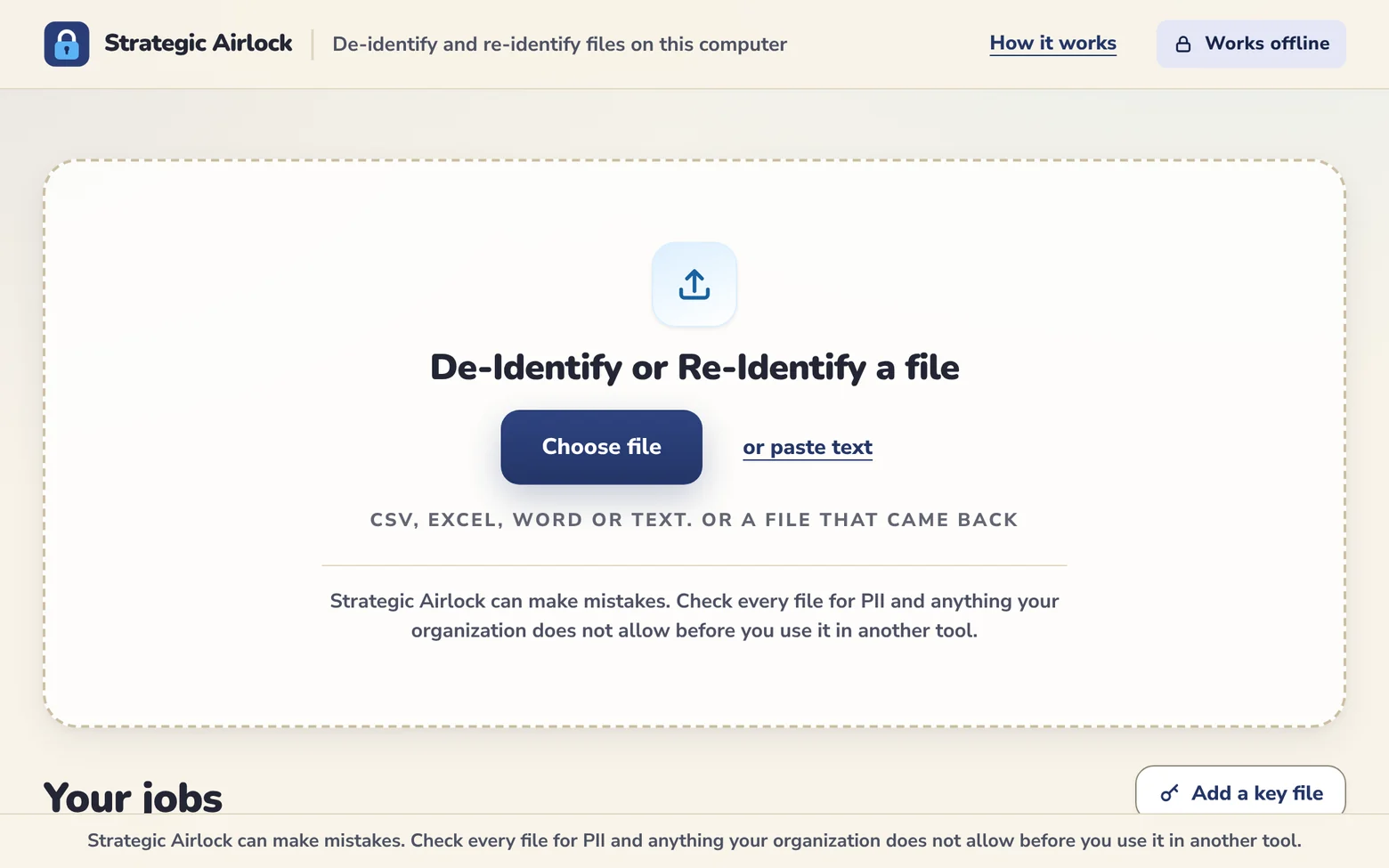
Two doors that never open at the same time
An airlock is a small room between inside and outside. Your file goes in one door. Only codes go out the other.
Names and other PII stay here.
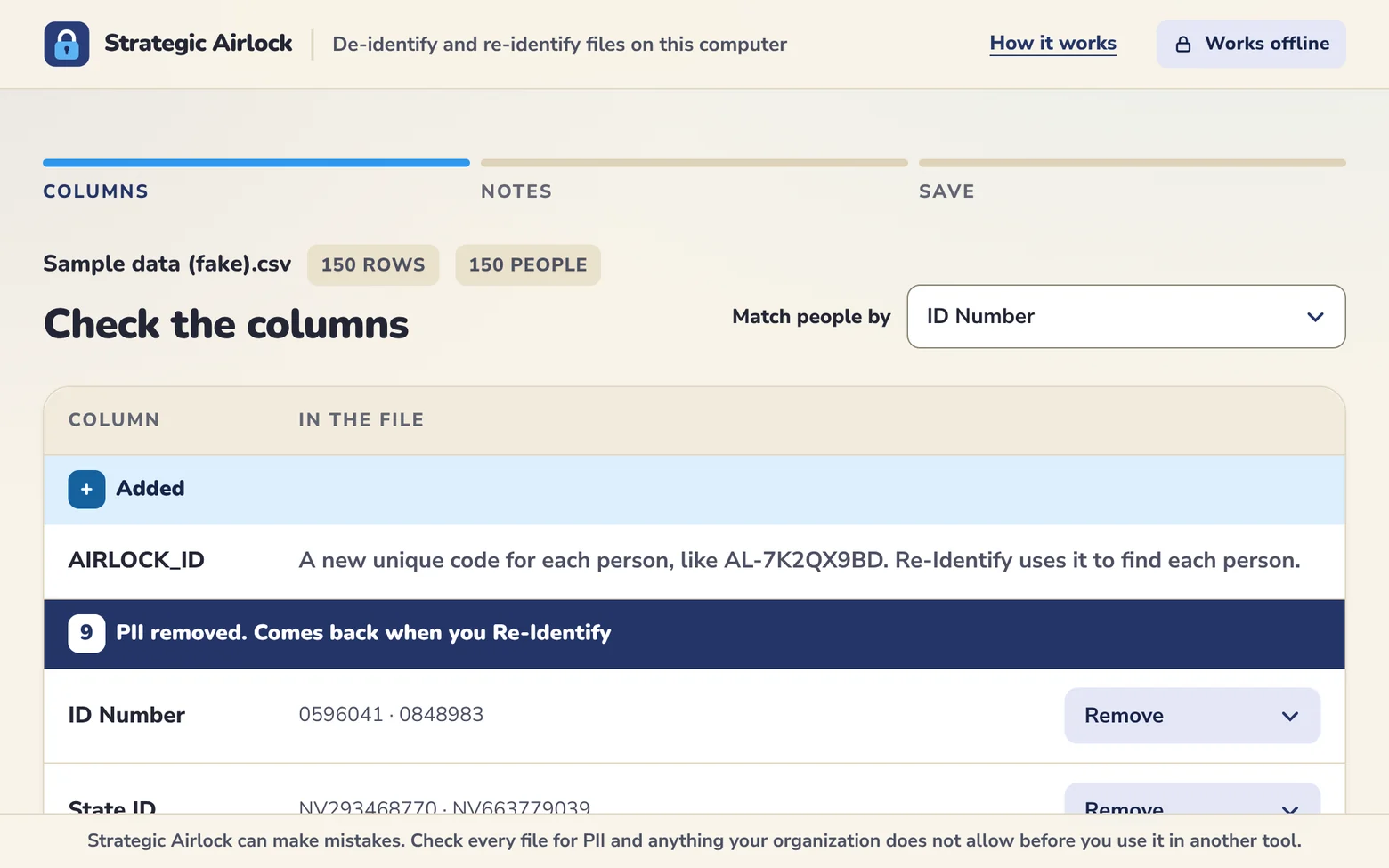
PII is swapped for codes. The key stays inside.
Only codes go out.
Four steps, all on your computer
Add your data
Drop in a spreadsheet or Word file, or paste text.
Check the PII it found
Agree with how each field is treated, or change it.
Save or copy the de-identified version
Use it with the tool your organization allows.
Bring the answer back
Re-Identify puts everyone's details back.
It all happens offline on your computer. What it removes never leaves it.
Names stay on your computer
- Your files are never uploaded. Strategic Airlock is built so it cannot send them anywhere.
- Strategic Student never sees your files or your results.
- No account and no login. The program does not track you.
- The key that links each code back to a person stays on your computer, protected by your password.
- A one-page receipt records what was removed and when, with no PII in it.
Install in three steps
- Download and open StrategicAirlock-Setup-1.1.1.exe.
- Windows may show a notice that says “Windows protected your PC” because the installer is new. To continue, choose More info, then Run anyway. If your organization manages your computer, please check with your IT team first.
- Open Strategic Airlock from the icon on your desktop.
Computer managed by your organization? Choose “Use without installing”. It is the same program as one file that opens in your browser.
Check every file
Strategic Airlock can make mistakes. Check every file for PII and anything your organization does not allow before you use it in another tool.
PII is personally identifiable information. Strategic Airlock removes direct identifiers such as names, ID numbers and contact details, and replaces them with codes. That reduces what another tool sees. In pasted text and Word files, names are found by rules, so list the names you know and use the review screen. Pictures and embedded objects are not checked. It does not guarantee that a file meets FERPA's or any other law's definition of de-identified, and it does not decide whether a file may be shared. Your organization's rules and its agreement with the tool you use decide that.